Know Exactly What You Made
and What You Spent
P&L auto-populates from your orders. Log expenses and mileage in seconds. Know what to set aside for quarterly taxes. Export to QuickBooks or sync directly. Schedule C categories built in. Available on every plan.
Start Your Free 14-Day TrialNo credit card required · Available on all plans starting at $12.99/mo
Coming from QuickBooks? See how we compare →
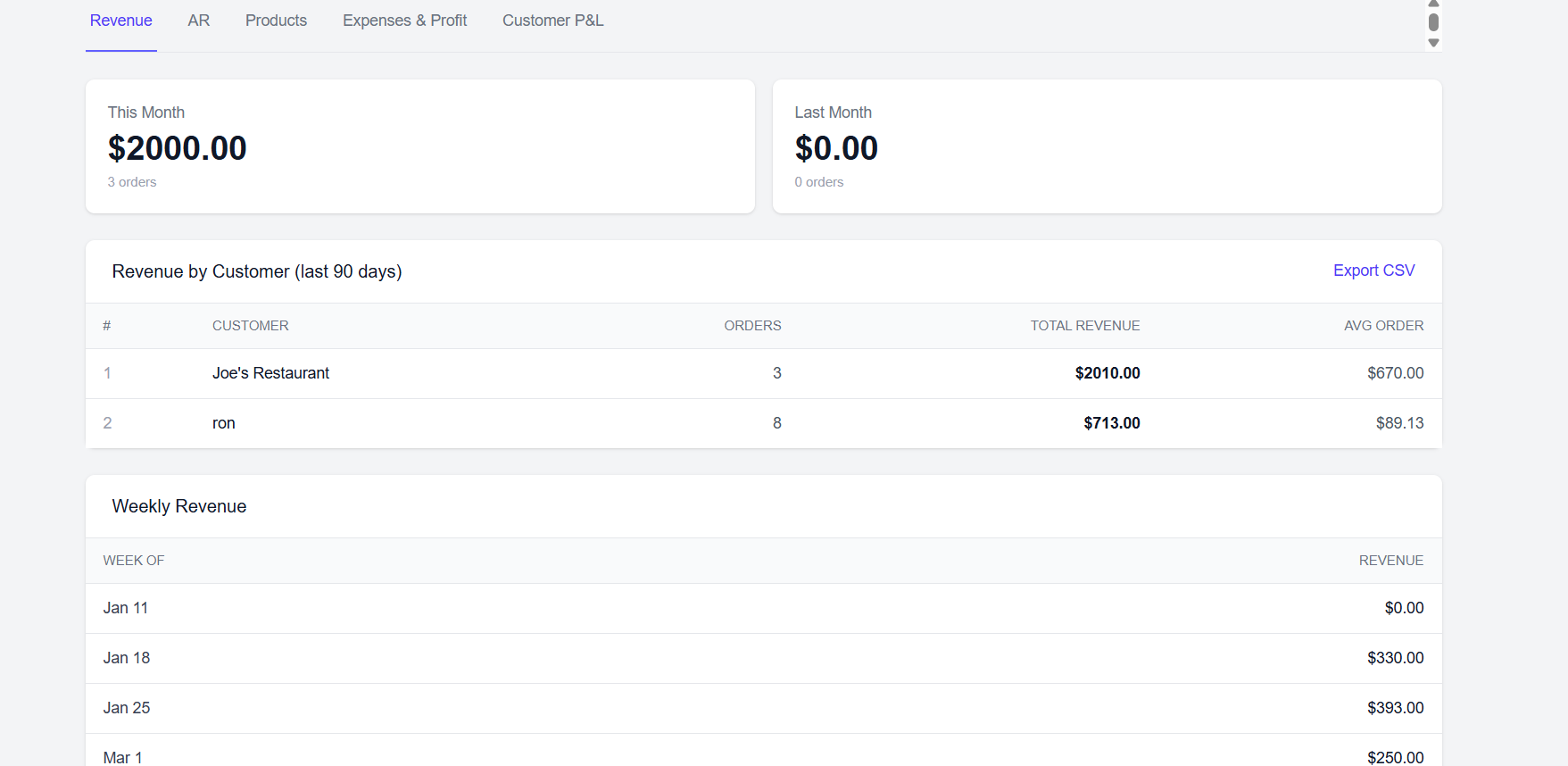
Your Weekly Numbers — Without the Spreadsheet
Every order you deliver and every expense you log feeds your profit & loss automatically. Open the dashboard any day of the week and see exactly what you made, what you spent, and what your net profit is — broken down by week, month, quarter, and year. No manual entry, no formula errors, no chasing receipts at tax time.
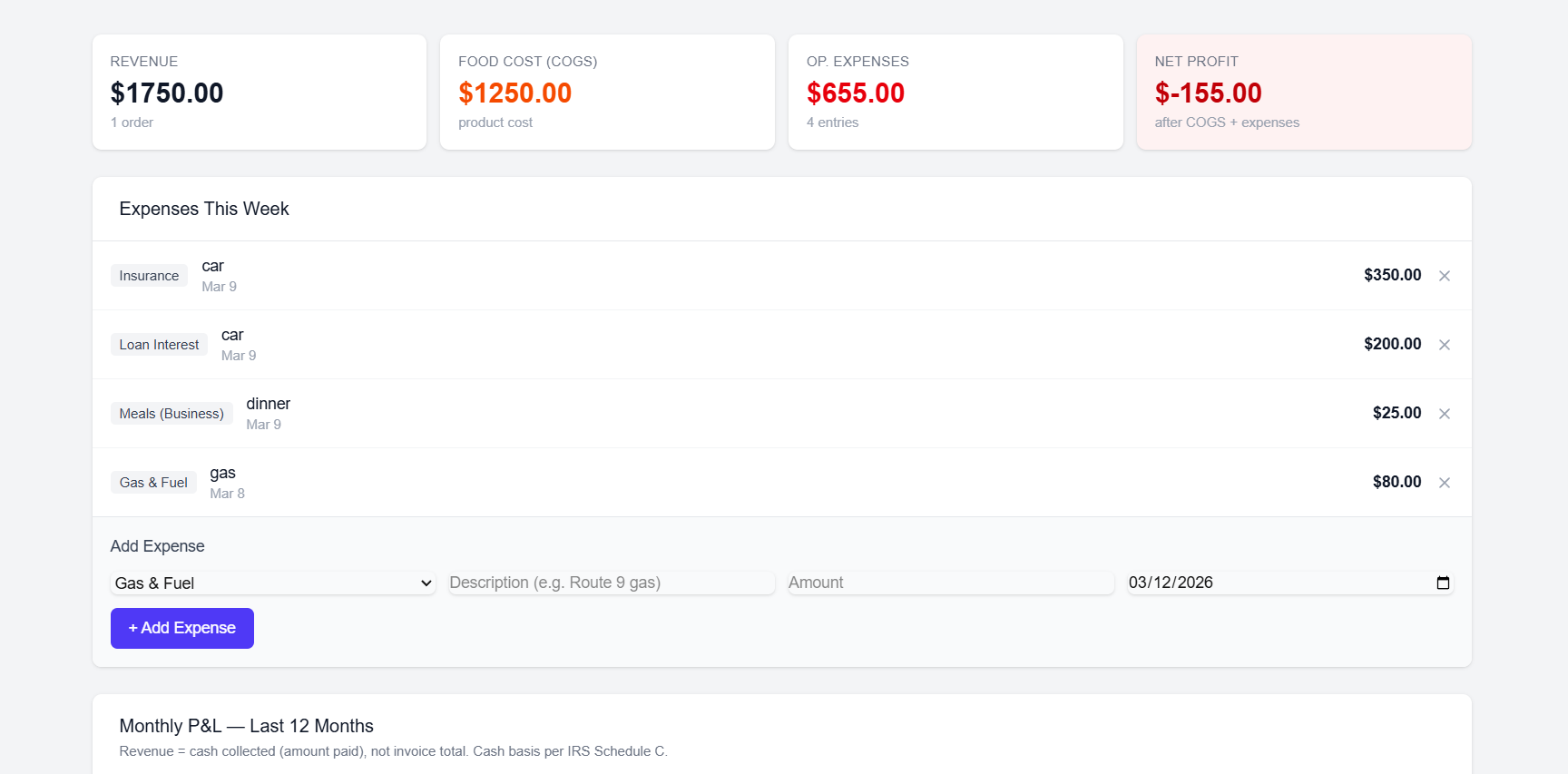
Log Every Deductible Expense in Seconds
Fill up the tank? Log it. Got a flat? Log it. Paid a toll? Log it. Add expenses from your phone in seconds — choose the category, enter the amount, and you're done. Every expense is categorized by type: gas, vehicle maintenance, tolls, parking, insurance, meals, supplies, phone, stales & returns, and more. Log your route miles too — the IRS standard-rate deduction is calculated automatically, side by side with your actual vehicle costs so you claim whichever is larger. Nothing falls through the cracks come tax season.
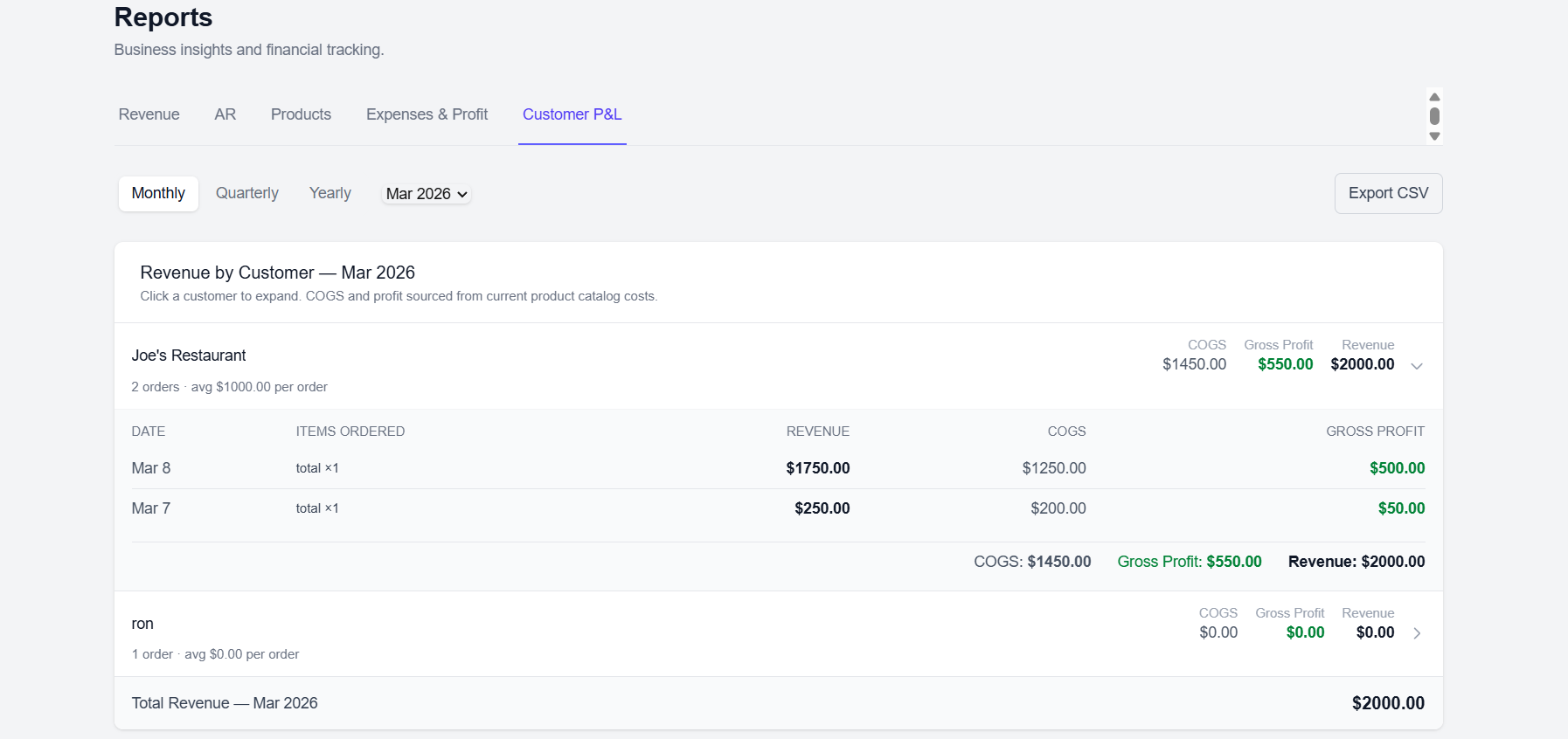
See Profit by Customer — Not Just Total Sales
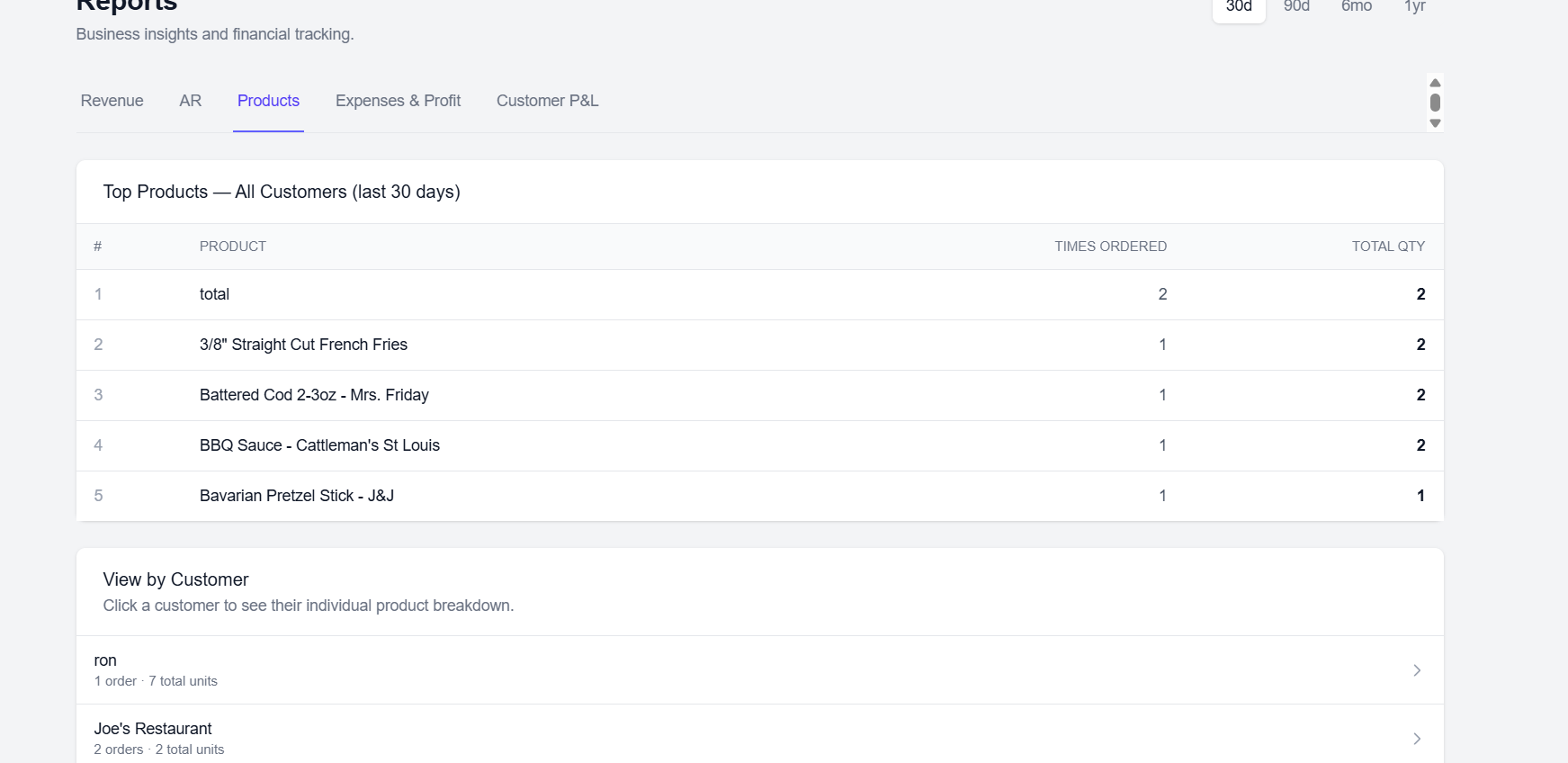
Know which accounts are actually worth your time. See each customer's total orders, revenue, and your profit on their business — by month, quarter, and year. Spot slow accounts before they cost you more than they're worth. Give your best accounts the attention they deserve. Use the data to negotiate better, drop underperformers, and grow the right stops.
Connect to QuickBooks — Or Export a CSV
On the Business plan, The Full Truck connects directly to QuickBooks Online. Your income from delivered orders and your categorized expenses sync automatically — no copy-paste, no manual import. On any plan, you can export your full data as a CSV in one click: customers, orders, revenue, expenses, all of it. Hand it to your accountant or import it into QuickBooks Desktop yourself.
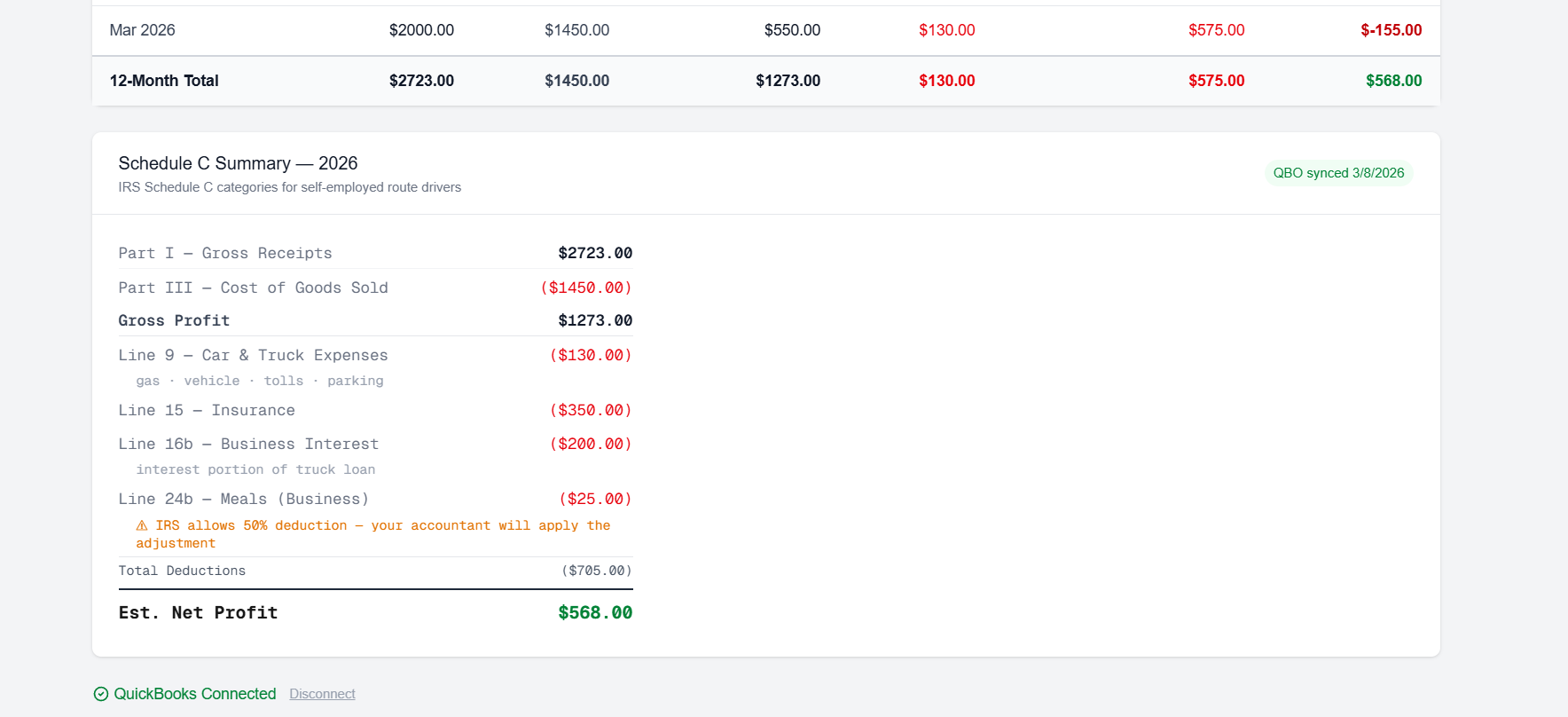
Every Category Maps to a Schedule C Line
The Full Truck was built with self-employed route drivers in mind. Every expense category maps directly to an IRS Schedule C line item: gas and vehicle expenses go to Line 9, insurance to Line 15, meals (50% deductible) to Line 24b, supplies to Line 22, phone to Line 25, and contract labor to Line 11. When you hand your records to a tax preparer — or file yourself — everything is already organized the way the IRS expects it.
Everything You Need to Run Your Books
Stop Guessing. Start Knowing.
Join route drivers who know their numbers every week — not just at tax time.
Get Started Free — 14 DaysNo credit card required · Available on all plans starting at $12.99/mo